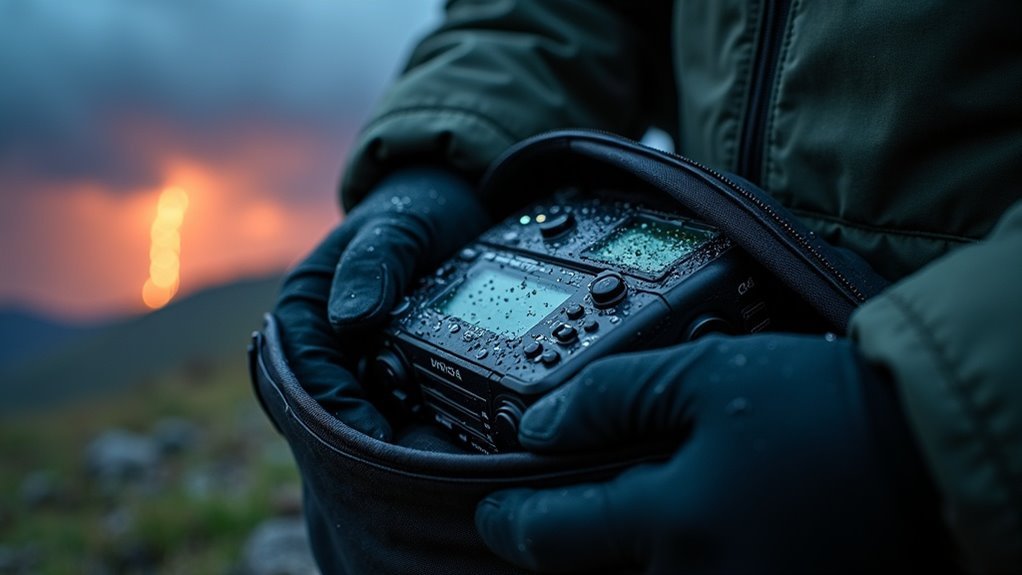
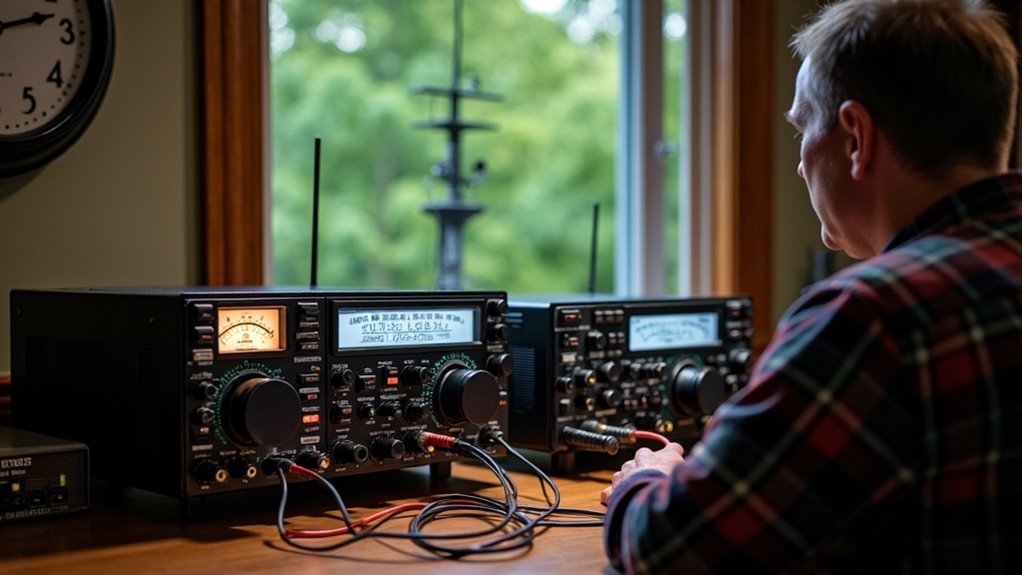
To prepare for remote work outages, you must adopt a survivalist mindset and develop a comprehensive backup plan. First, secure a portable hotspot to ensure you have reliable connectivity in times of crisis. Identify alternative locations with strong Wi-Fi, such as local libraries or community centers, which can serve as safe havens if your primary setup fails.
Conduct thorough tests of your workspace to detect weak signals and consider investing in an uninterrupted power supply to keep your devices operational during outages. Simplify your setup to enhance mobility, ensuring your essential tools are easily accessible and ready for quick deployment.
Additionally, simulate outage scenarios to practice your backup routine, just as you would prepare for other emergencies. By strengthening these preparations, you’ll not only maintain productivity during interruptions but also refine your overall strategy for optimizing your remote work environment amidst any challenges that may arise.
Key Takeaways
- Establish a robust backup plan that includes a secondary internet connection and alternative work locations equipped with reliable Wi-Fi access, ensuring you can maintain productivity during crises.
- Invest in a portable hotspot with SIMO technology to secure uninterrupted connectivity during outages and while on the move, allowing you to stay connected even in challenging situations.
- Optimize your workspace by identifying areas with weak Wi-Fi signals and using portable hotspots to ensure reliable internet access in these dead zones, enhancing your overall preparedness.
- Regularly practice backup routines and simulate power or internet outages to refine your response strategies for unexpected disruptions, ensuring you remain self-sufficient.
- Develop a clear communication plan with your team, utilizing secure messaging apps for real-time updates, and ensure everyone has accessible contact information for effective coordination during emergencies.
Build a Reliable Backup Plan
To ensure your survival and productivity during unexpected outages while working remotely, it’s vital to develop a robust backup plan.
Begin by securing a secondary internet connection, such as a mobile hotspot or satellite internet, to maintain connectivity during disruptions. Devices like the Solis Hub can seamlessly switch to 4G LTE or satellite when your primary connection fails, keeping you connected even in the most isolated conditions.
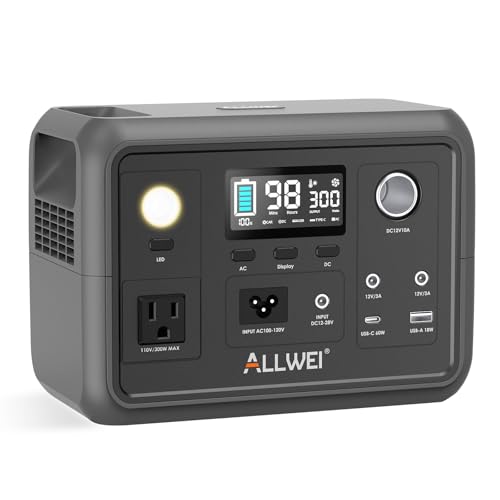
Regularly test your backup systems and prepare essential gear, including portable solar chargers and power banks, to ensure your devices remain operational during power outages.
Establish a routine for activating your backup systems, and compile a list of alternative work locations with reliable Wi-Fi, such as community centers or libraries, to enhance your contingency strategies for any survival scenario.
Add a Portable Hotspot to Your Everyday Bag
How can you ensure uninterrupted connectivity while navigating the challenges of remote work and survival situations? Adding a portable hotspot to your everyday survival bag is a savvy and essential choice.
Devices like the Solis utilize SIMO virtual SIM technology, allowing you to connect to the strongest network available, which is crucial during emergencies or in remote locations with limited connectivity. This ensures reliable internet access when you need it most, whether for coordinating survival efforts or accessing vital information.
Capable of supporting video calls and large file uploads, a portable hotspot helps maintain productivity during critical times. Additionally, many models double as power banks, enabling you to charge your devices while on the move.
Prepare for Power and Wi-Fi Dead Zones
To ensure your survival and productivity during unexpected remote work outages, it’s crucial to identify potential connectivity challenges in your workspace.
Utilizing portable hotspots like Solis can provide reliable internet access even in dead zones, serving as a vital resource in emergencies while also functioning as power banks for charging essential devices.
Optimize your setup by testing signal strength in advance and preparing alternative solutions, such as backup power sources and offline resources, to guarantee a seamless workflow and maintain your preparedness for any situation.
Identify Connectivity Challenges
While remote work offers flexibility, it also presents unique connectivity challenges, especially in areas where resources are scarce or unreliable.
As a remote worker with a survivalist mindset, it’s crucial to identify these potential pitfalls before they hinder your productivity or preparedness. Here are essential considerations:
- Scout locations not just for strong internet signals, but also for their overall safety and accessibility in emergencies.
- Regularly test your connection to identify dead zones, ensuring you have reliable communication in case of unexpected events.
- Evaluate power and Wi-Fi reliability, even in urban settings, as these can become critical during crises or natural disasters.
- Keep a portable hotspot and backup power sources handy to maintain connectivity when traditional methods fail.
Being prepared for connectivity challenges is just as important as being ready for any survival situation.
Utilize Portable Hotspots
Given the unpredictability of remote work environments, utilizing portable hotspots becomes crucial for maintaining consistent connectivity in areas lacking reliable power and Wi-Fi. These devices, such as the Solis, employ SIMO virtual SIM technology to automatically connect to the strongest signal, ensuring dependable internet access even in challenging circumstances. Additionally, they can function as power banks, allowing you to charge your devices while you’re out in the field or during emergencies. By avoiding public Wi-Fi, portable hotspots significantly enhance your security, reducing the risk of cyber threats. Their straightforward setup allows for rapid connections, ensuring that your productivity remains uninterrupted during outages or in remote situations.
| Feature | Benefit | Example Device |
|---|---|---|
| Connectivity | Strong signal for remote areas | Solis Hotspot |
| Security | Lower risk of cyber threats | Solis Hotspot |
| Versatility | Acts as a power bank for devices | Solis Hotspot |
| Ease of Use | Quick setup for urgent needs | Solis Hotspot |
Optimize Workspace Setup
To maintain productivity during unexpected remote work outages, it’s crucial to have a well-optimized workspace setup that prepares you for any challenges.
Here are essential steps to ensure you’re ready:
- Conduct a thorough assessment of your workspace to identify potential weak Wi-Fi and power supply areas before disruptions occur.
- Keep portable hotspots, such as Solis devices, on hand to ensure reliable connectivity when your primary internet source fails.
- Invest in an uninterrupted power supply (UPS) to maintain power to your devices during outages, ensuring you can continue working without interruption.
- Regularly review and update your setup to ensure easy access to charging stations, backup power sources, and other essential tools to keep you prepared for any situation.
Keep Your Setup Simple
To enhance your remote work experience during outages, it’s crucial to keep your setup simple and prepared. A streamlined workspace not only minimizes troubleshooting time but also boosts productivity, allowing for quick adjustments in challenging situations. Invest in reliable, user-friendly devices such as the Solis Hub to ensure seamless connectivity, even when the power goes out. Choose cloud-based tools like Google Workspace or Microsoft 365 to guarantee easy access to essential files from anywhere. Regularly testing your setup will keep your devices primed for emergencies, ensuring you’re always ready.
| Device Type | Recommendation |
|---|---|
| Connectivity Device | Solis Hub |
| Cloud Tool | Google Workspace |
| Backup Power | Uninterruptible Power Supply (UPS) |
| Workspace Style | Minimalistic Setup |
In the world of survivalism and prepping, a simple and efficient workspace can make all the difference when faced with unexpected challenges.
Practice Your Backup Routine
Practicing your backup routine is crucial for minimizing disruptions during unexpected emergencies. By simulating a scenario like a power or internet outage, you can ensure a seamless transition to your backup systems, such as a Solis device.
Practicing your backup routine ensures a smooth transition during emergencies, keeping your operations resilient and productive.
To optimize your backup process, follow these steps:
- Quickly power on the Solis device.
- Connect your essential devices without delay.
- Utilize a checklist to guide your tasks during outages.
- Schedule practice drills every few months to stay prepared.
After each session, evaluate your performance to identify challenges and refine your routine.
This preparation not only helps maintain productivity but also enhances confidence among team members, making your operation more resilient against unforeseen disruptions and ensuring you’re ready for any situation that may arise.
Turn Travel Days Into Work Days
To turn travel days into productive work days while embracing survivalism and prepping, it’s essential to plan ahead for reliable connectivity in various environments.
Identify locations with strong Wi-Fi or consider using portable hotspots to maintain communication.
Ensure that your team understands your travel plans and has contingency measures in place, allowing for seamless workflow even when you’re on the move.
This way, you can stay connected and productive while also being prepared for any unexpected circumstances that may arise during your travels.
Plan Ahead for Connectivity
While traveling can disrupt your preparedness routine, a well-thought-out connectivity plan transforms travel days into opportunities for survival planning.
To ensure you can maintain your survival efforts from anywhere, consider these strategies:
- Invest in a portable hotspot with SIMO virtual SIM technology for reliable connectivity in remote locations.
- Research local community centers or libraries with dependable Wi-Fi for planning and resource gathering.
- Keep a list of offline tasks such as updating your survival plans or researching local threats to maintain productivity during connectivity outages.
- Familiarize yourself with your team’s communication tools to stay connected and share critical information.
Utilize Portable Work Solutions
As you prepare for potential disruptions during travel or emergencies, utilizing portable work solutions can significantly enhance your productivity and connectivity. Portable hotspots, such as Solis, ensure that you remain connected by automatically selecting the strongest network signal available. These devices also function as power banks, allowing you to charge your laptop and smartphone—an essential feature for maintaining communication and productivity whether you’re working from home or on the go. Preparing these tools in advance is crucial for a seamless workflow during outages or crises. Regularly testing your devices ensures a quick setup in unfamiliar environments, helping you stay ahead in any situation.
| Feature | Benefit |
|---|---|
| Portable Hotspot | Reliable internet access |
| Power Bank Capability | Charge devices on the go |
| Security | Reduces risks associated with public Wi-Fi |
Maintain Communication Channels Open
Maintaining open communication channels is essential for ensuring that your survival and prepping strategies are effective, especially during emergencies or outages.
To guarantee effective communication with your team or group members, consider implementing the following strategies:
- Establish a clear communication plan outlining platforms for updates, such as secure messaging apps or email, to ensure that vital information is shared promptly.
- Utilize mobile devices to keep contact information accessible for quick outreach, ensuring everyone can connect when needed.
- Set up a group messaging platform for real-time updates, which can enhance morale and information flow during uncertain situations.
- Schedule regular touchpoints, such as weekly meetings or check-ins, to assess preparedness plans and maintain cohesion during unstable conditions.
Fostering transparency among team members will help everyone adapt to changing circumstances and enhance your collective resilience.